
Screenshots
App details
- Updated
- Feb 15, 2023
- Requires
- You must first create a user account.
- Language
- English,French,German,Russian
- Developer
- Glyph
- Category
- Mobile
SoftPas in:
This product is also available in the following languages:
About Glyph
Download Glyph – Game Library, Free-to-Play, Trion Worlds, Game Catalog, Digital Game Store
Overview
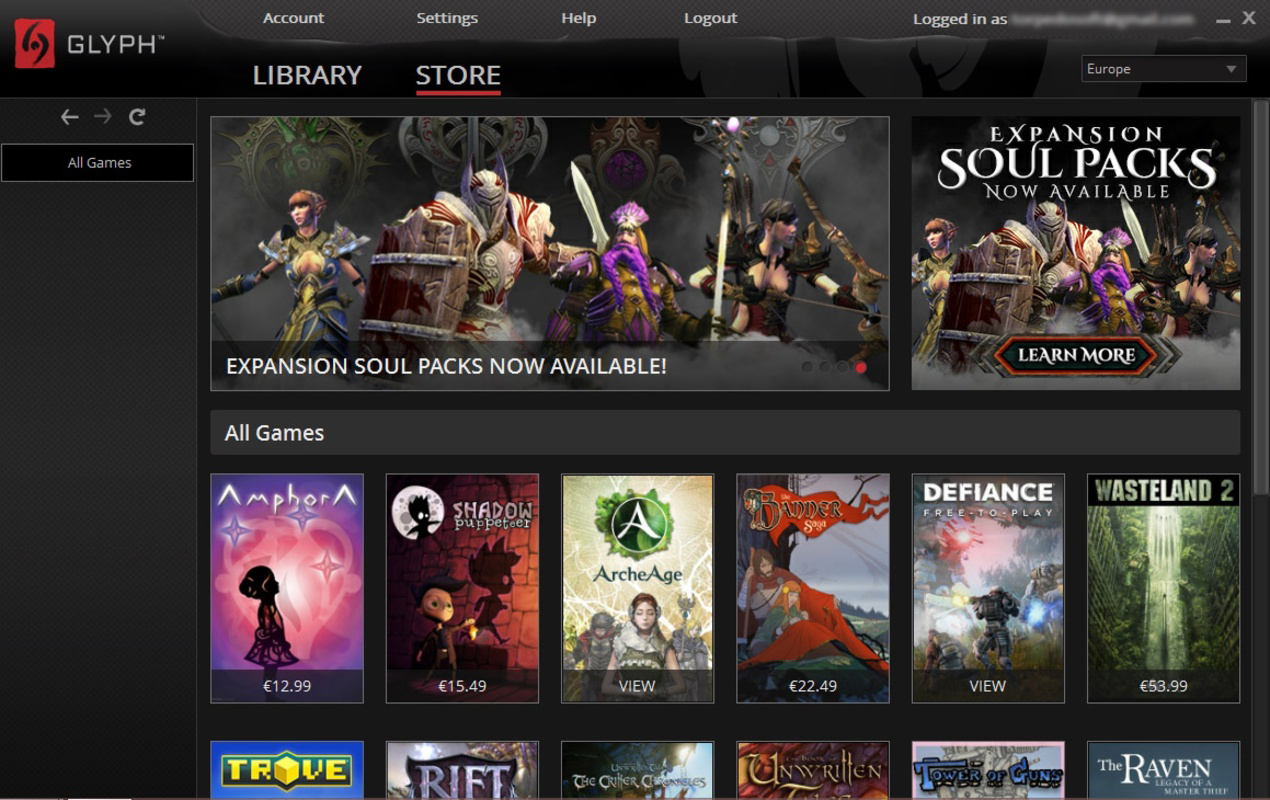
Designed by Trion Worlds, Glyph functions as a centralized digital distribution platform tailored to fans of the developer’s expansive game portfolio. The app serves as a comprehensive tool for managing, cataloging, and purchasing games, with a particular emphasis on Trion Worlds’ free-to-play titles such as Rift, Fractured Online, and Trove. Its primary purpose is to streamline access to a curated library of games, enabling users to track owned titles, initiate instant downloads, and explore exclusive content through an integrated store interface. For players invested in Trion’s ecosystem, Glyph acts as a vital gateway, consolidating game discovery, management, and acquisition into a single, accessible experience.
The app targets dedicated fans of Trion Worlds’ games, as well as newcomers seeking a hassle-free way to explore free-to-play offerings without navigating multiple platforms. By centralizing game data and purchase options, Glyph reduces friction in the gaming workflow, especially for users managing multiple titles across different devices. Its role in the broader app ecosystem is significant, serving as a unified hub that enhances user engagement with Trion’s digital content. While the developer did not provide additional technical details about backend infrastructure or data handling, the app’s focus on usability and direct access suggests a strong commitment to user-centric design. Real-world use cases include onboarding new players to Trion’s free-to-play games, managing a growing library of digital titles, and securing exclusive in-game content through bundled offers.
Key Features & Functionality
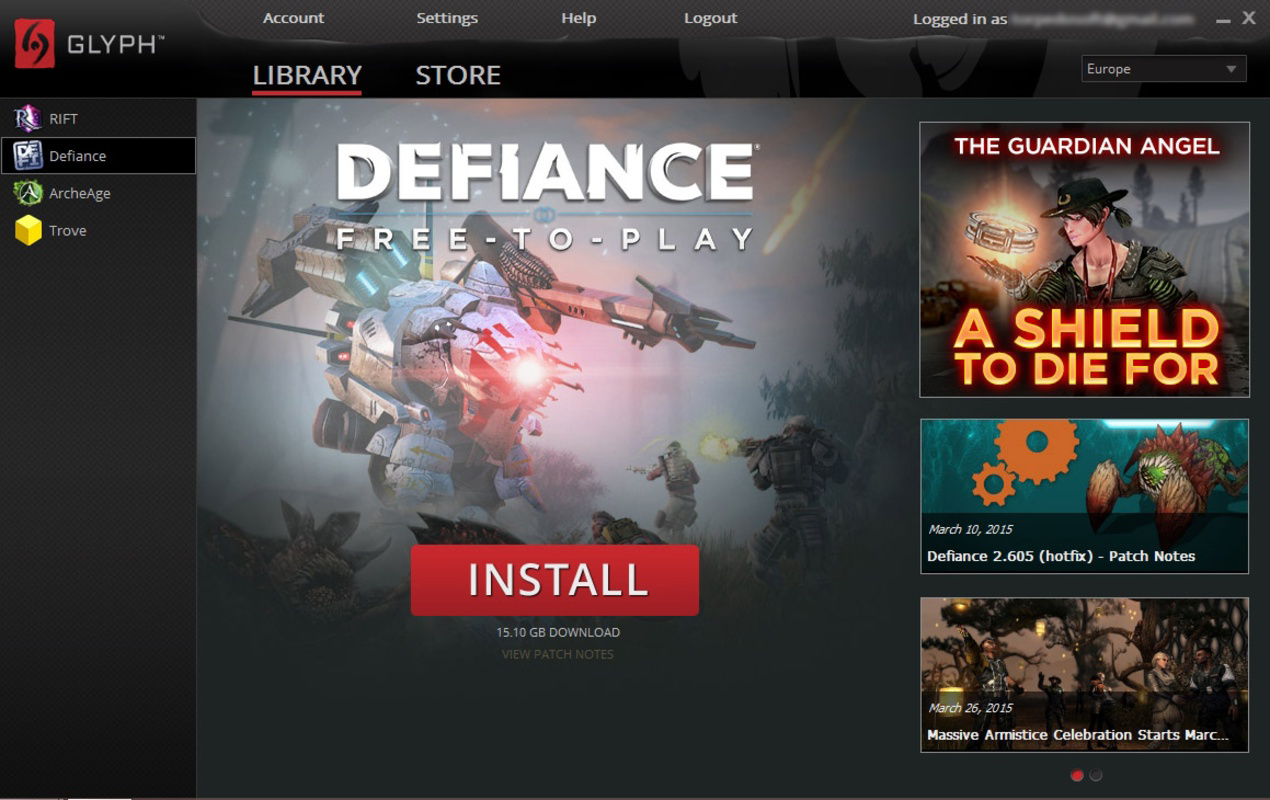
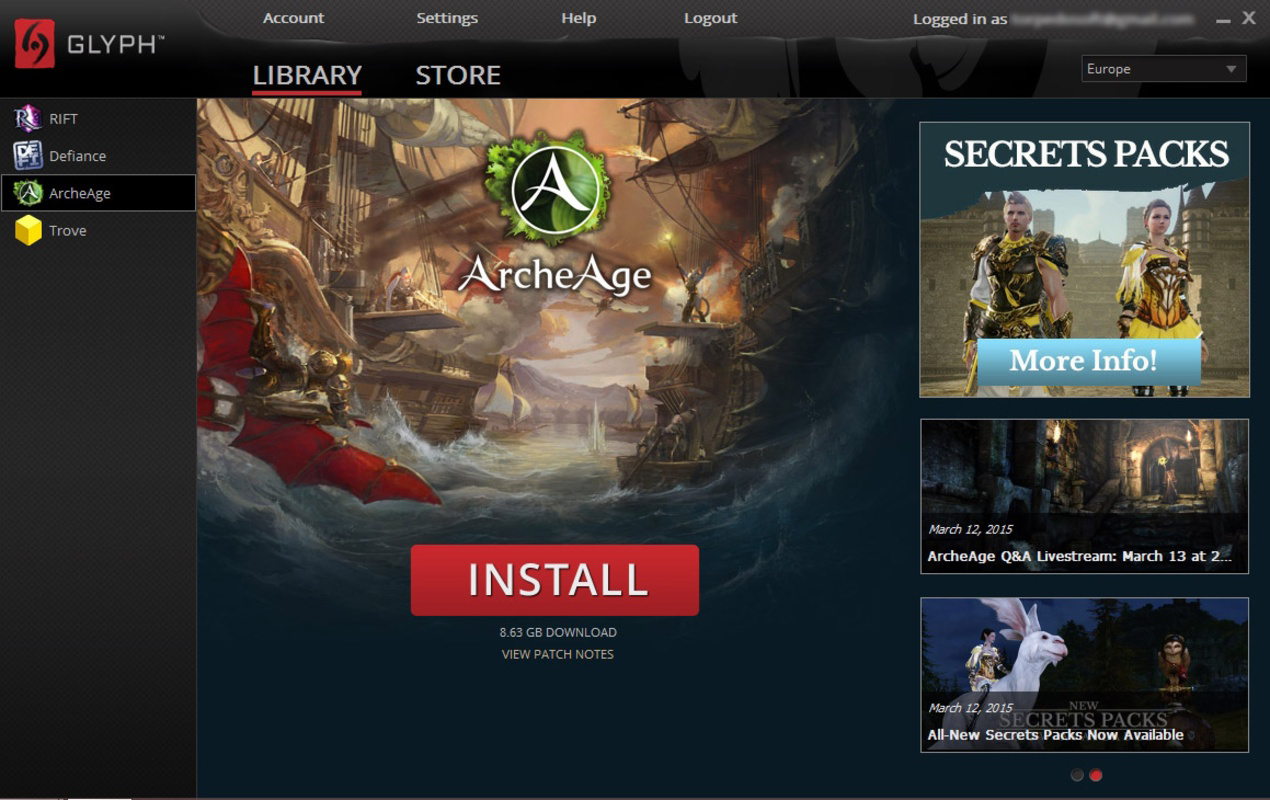
- Game Library Management: Glyph offers a structured interface for organizing owned and installed games. Users can view their full collection, track progress, and quickly launch titles from a unified dashboard, improving efficiency and reducing app clutter.
- Instant Downloads: With a freemium membership, users gain immediate access to select free-to-play games. This feature enables rapid onboarding and trial, ideal for players testing new titles without upfront investment or lengthy installation processes.
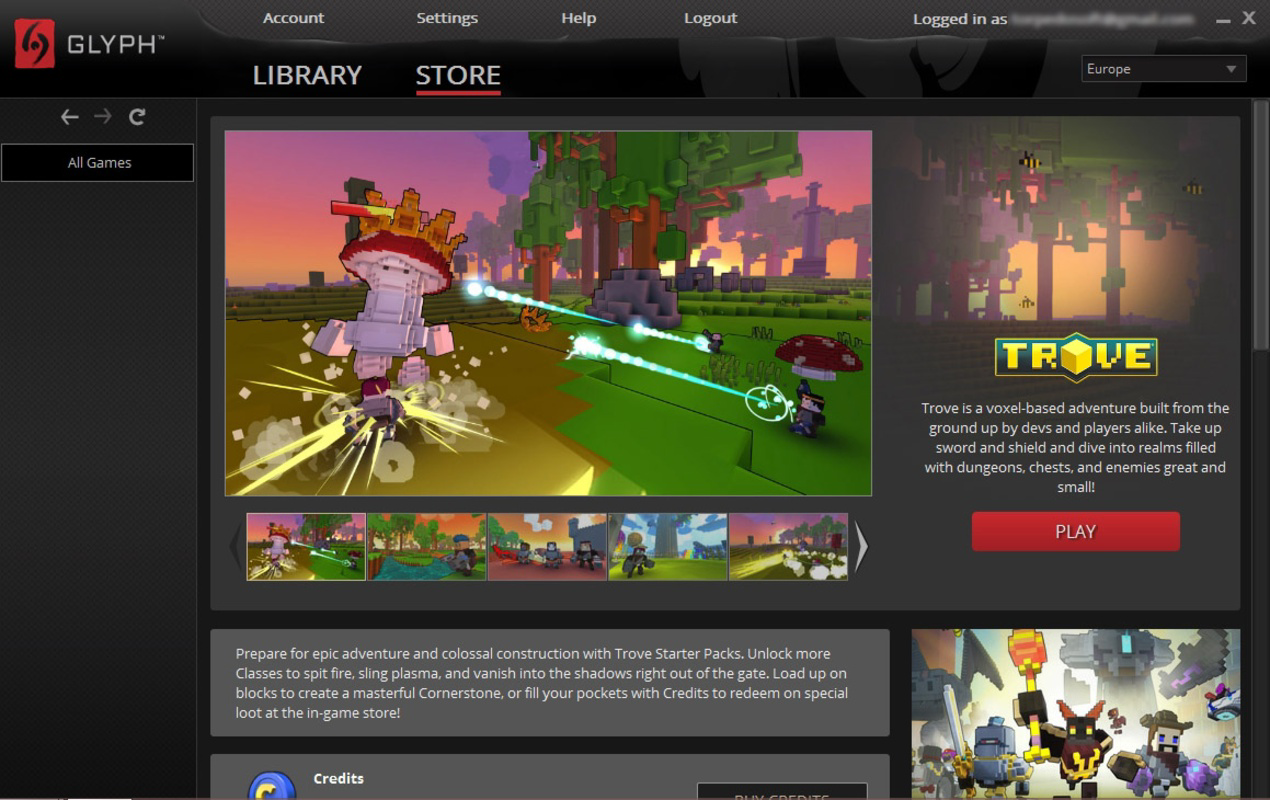
- DLC and Game Purchases: The integrated digital store allows users to buy full games and downloadable content directly within the app. This seamless transaction flow supports ongoing gameplay expansion and enhances user retention by making upgrades easily accessible.
- Exclusive Trion Bundles: As the official distributor for Trion Worlds’ games, Glyph provides unique bundles and promotional offers unavailable on third-party platforms. These exclusive deals add significant value for loyal fans and encourage deeper engagement with the developer’s catalog.
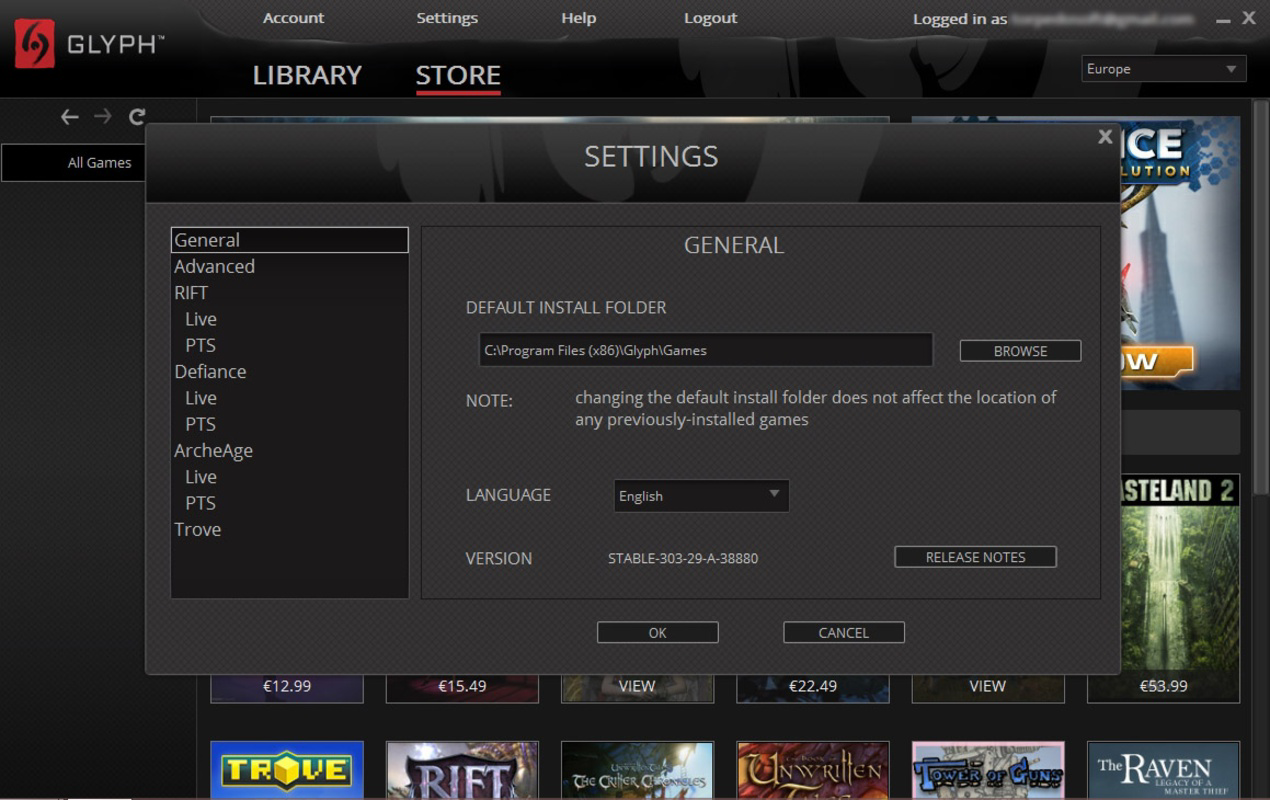
- User-Friendly Interface: The app’s intuitive layout supports quick navigation between library, store, and account settings. Simple menus and consistent design patterns reduce learning curves, making it accessible even for less tech-savvy users.
For example, a player discovering Rift for the first time can use Glyph to download the base game instantly, then explore exclusive bundles that include cosmetic items and early access passes. Similarly, a long-time Trove enthusiast can manage their DLC purchases and track game updates from one central location. These real-world scenarios highlight how Glyph enhances the end-to-end gaming journey, from discovery to long-term engagement.
Interface, UX & Performance
Glyph presents a clean, modern interface with a focus on clarity and functionality. The layout emphasizes content hierarchy, placing core actions—such as game launch, store access, and library management—within immediate reach. Navigation is structured around a bottom tab bar, offering quick switching between key sections. Visual design elements are minimalistic, prioritizing readability and performance over decorative flair.
Users can expect smooth transitions between screens, with responsive feedback on taps and swipes. The app maintains consistent performance across various device categories, although the developer did not list formal performance metrics. While specific requirements were not disclosed, the 48.2 MB file size suggests a lightweight footprint, which may contribute to efficient memory usage and faster load times. Stability appears to be a priority, with no reported issues in the provided information. Although the developer did not specify minimum OS requirements, the app’s availability on both Android and iOS indicates broad compatibility. Overall, the user experience is optimized for ease of use, allowing players to focus on gaming rather than interface complexity.
Platform Compatibility & Technical Requirements
Glyph is available on both Android and iOS platforms, making it accessible to a wide range of smartphone users. The current version is 1.0.3, with a file size of 48.2 MB, indicating a compact installation footprint. The app is offered free of charge, removing financial barriers to entry and encouraging broad adoption among Trion Worlds’ fanbase. Specific requirements were not listed, including minimum OS versions or hardware specifications. The developer did not specify whether the app supports tablet devices or requires particular permissions. Compatibility information was not fully disclosed, so users are advised to check their device’s app store for any installation alerts or system-level notifications.
Pros and Cons
Pros
- Centralized management of Trion Worlds’ free-to-play games
- Instant downloads for select titles, reducing setup time
- Exclusive bundles and deals unavailable elsewhere
- Intuitive interface designed for ease of use
- Free to download and use, with no upfront cost
Cons
- Specific technical requirements were not disclosed
- Limited availability to Trion Worlds’ game library only
- Freemium model may restrict access to certain features
- Compatibility with tablet devices was not confirmed
- Developer did not provide detailed performance or update history
FAQ
Is Glyph available for both Android and iOS?
Yes, Glyph is available on both Android and iOS platforms, allowing users across major mobile ecosystems to access its features.
Can I download free-to-play games instantly?
Yes, with a freemium membership, users can enjoy instant downloads for select free-to-play games through the app.
Are there exclusive deals on Glyph?
Yes, as the official distributor for Trion Worlds’ games, Glyph offers exclusive bundles and promotions not available on other platforms.
Is Glyph safe to install?
Yes, Glyph is developed by Trion Worlds and distributed through official app stores, ensuring a secure installation process.
Does Glyph require a paid subscription?
No, the app is free to download and use. However, certain features may be restricted under the freemium model.
Final Thoughts
Glyph stands out as a focused, efficient tool for fans of Trion Worlds’ games, offering a seamless blend of game management, instant access, and exclusive content. Its user-friendly design, combined with the convenience of centralized downloads and unique offers, makes it an essential companion for players invested in the developer’s free-to-play titles. While technical details remain limited, the app delivers clear value through its streamlined interface and direct access to a curated library. For Trion Worlds enthusiasts, Glyph is more than just a utility—it’s a gateway to a richer, more connected gaming experience. Whether you’re exploring Rift for the first time or expanding your Trove collection, the app simplifies the journey from discovery to play.
Download Glyph now
Guides & Tutorials
How to install Glyph
- Click the Download button above.
- Once redirected, accept the terms and click Install.
- Wait for the Glyph download to finish on your device.
How to use Glyph
This software is primarily used for its core features described above. Open the app after installation to explore its capabilities.
User Reviews
No reviews yet. Be the first to share your experience.
You may also like
more
Que no te pillen¡
About !Que no te pillen¡Reviewed by Jason A. BilbreyShow MoreShow Less

3D Combat Zone
About 3D Combat ZoneOriginally released in 1983, 3D Combat Zone immerses players...

666: El día del portal
About 666: El día del portalOn June 6, 2006, Agent P. Stone uncovers a sinister...

80 in 1 Best Flash games
About 80 in 1 Best Flash games 80 in 1 Best Flash games is a collection of 80 fl...

ABYSS SEEKERーーWhat Do You See Deep in The Abyss
About ABYSS SEEKERーーWhat Do You See Deep in The AbyssIn ABYSS SEEKER, players...

ACA NEOGEO THE KING OF FIGHTERS 2002 for Windows
About ACA NEOGEO THE KING OF FIGHTERS 2002 for WindowsTHE KING OF FIGHTERS 2002,...